The process for making part payments for association membership is a process of adding "Journal Entries".

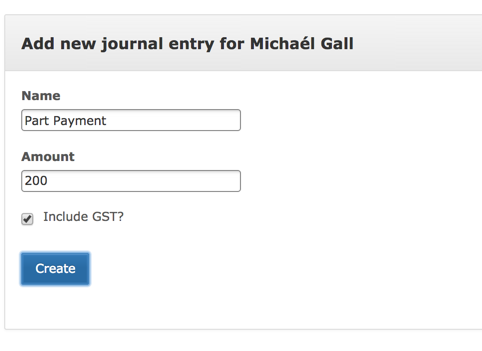
The first step is to navigate over the Reconciliation page and create the necessary part payment. The cost of this should be the amount of the part payment. This should include GST if the item you are splitting includes GST.
Navigate back to the payment page and you will notice that there now 3 items available to be paid for. Deselect all of them except for the split payment price, in this case $200 part payment.
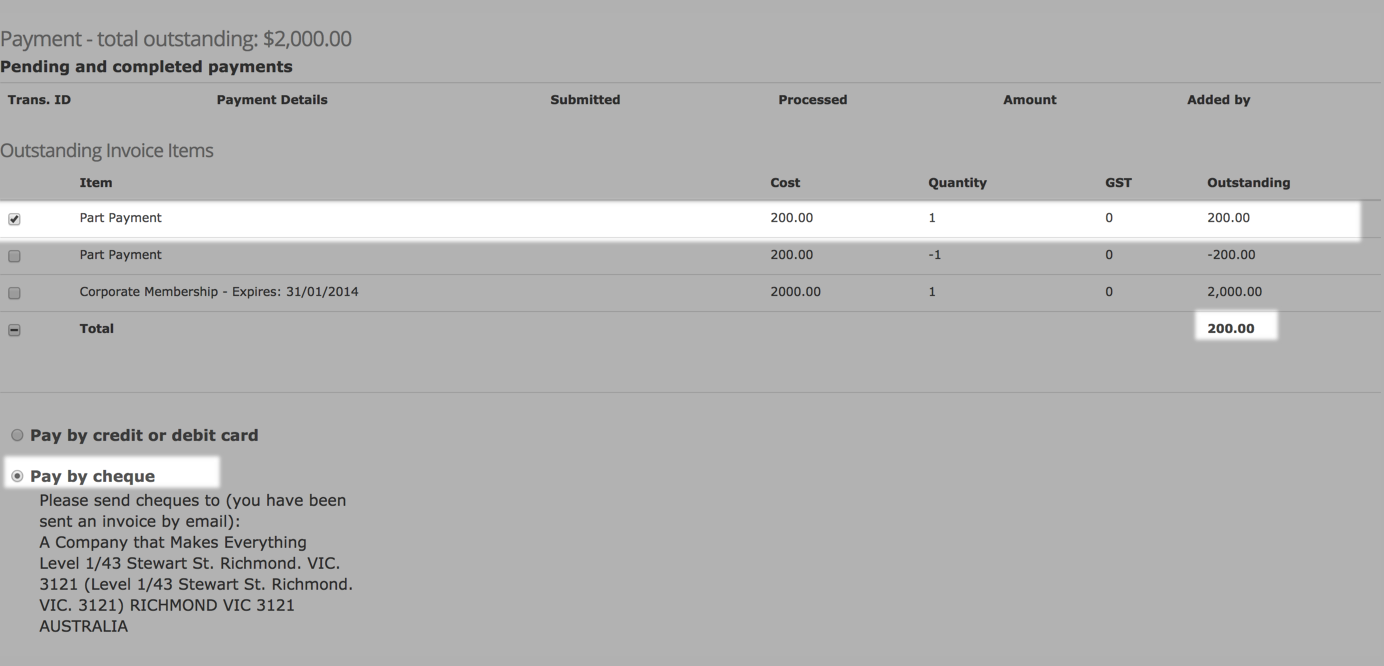
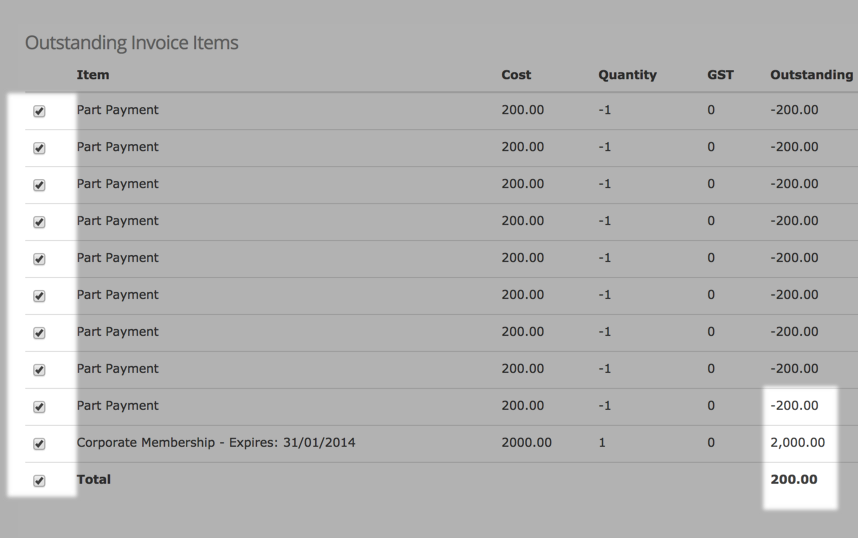
Process the payment normally and when you return to the member's payment page you will notice that they are owing the amount, less the part payment. Continue this process until the remainder of the membership is owing and select the membership item and all of the negative part payments. Process the payment and the member will no longer be owing anything.
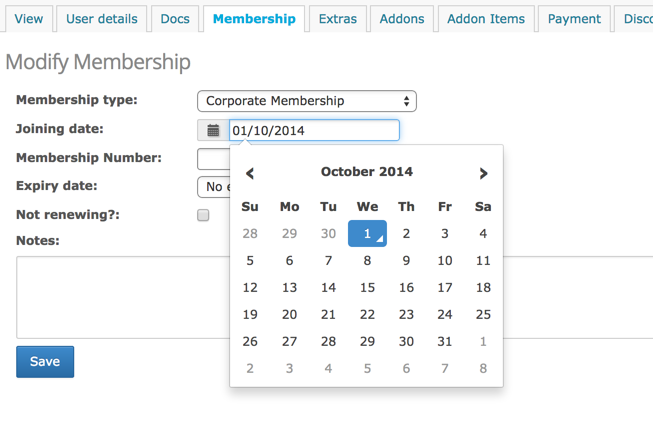
The only caveat of this approach is that this delegate will not have their expiry date updated until the final payment has been paid. This can be adjusted manually on the membership page.