Assigning Sessions to Abstracts
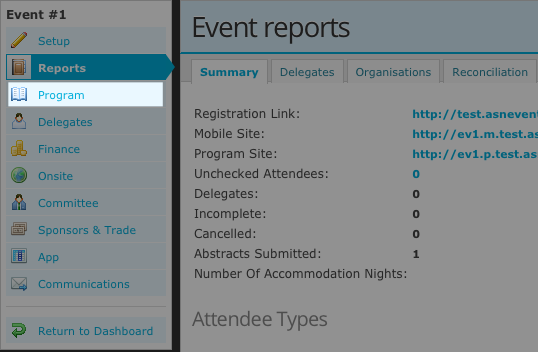
To begin this process, open the abstract report by navigating through the >Reports tab in the LHS menu).
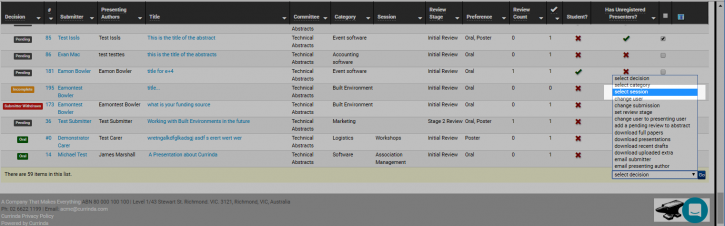
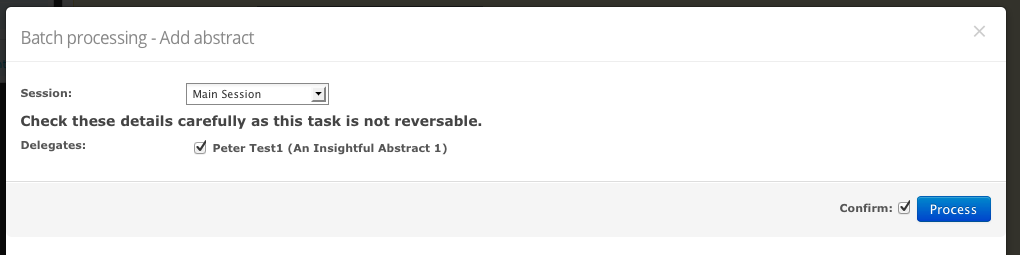
Use the checkboxes on the RHS of the report to select the abstract/s. Open the batch actions dropdown list at the bottom of the report and choose the 'select session' option. From the dialogue box which appears, choose the session/s to which the selected abstracts will be assigned. Currind will ask you to confirm that the correct abstracts have been selected. To process the action, click the 'Process' button.