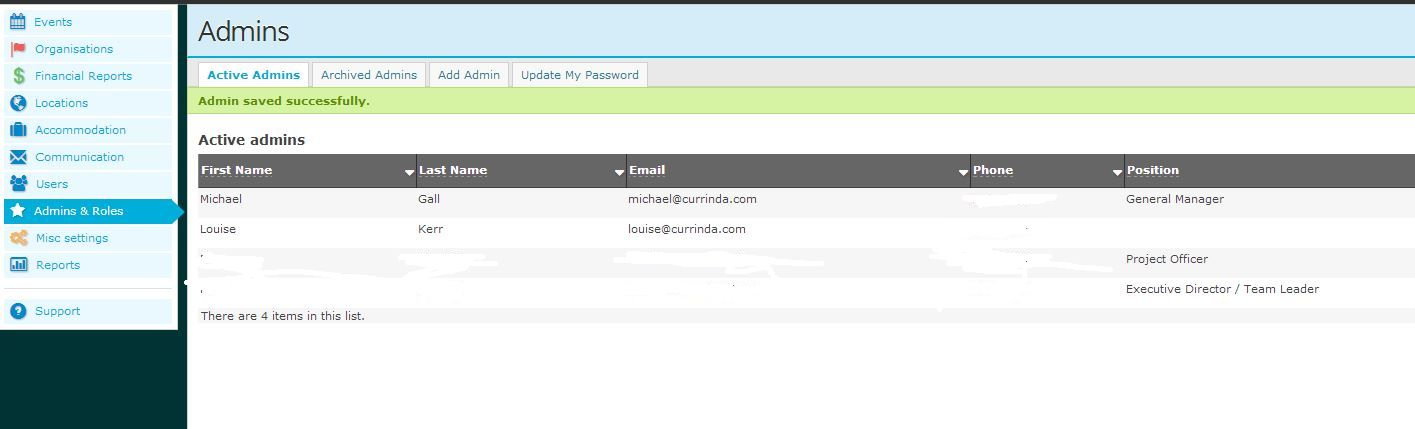
On the left hand side of the Dashboard click on Admins and Roles
Use the add admin tab to enter the email address they will use to login to the system (please choose this carefully)
Fill out the details with the entries in red being required.
An extra email address can be added at the bottom
Tick agree to {company name} privacy policy
Click on Proceed
System defaults back to admin screen showing new admin entered and details.
The new admin should receive an email with the login link.