Assigning Abstracts to specific reviewers
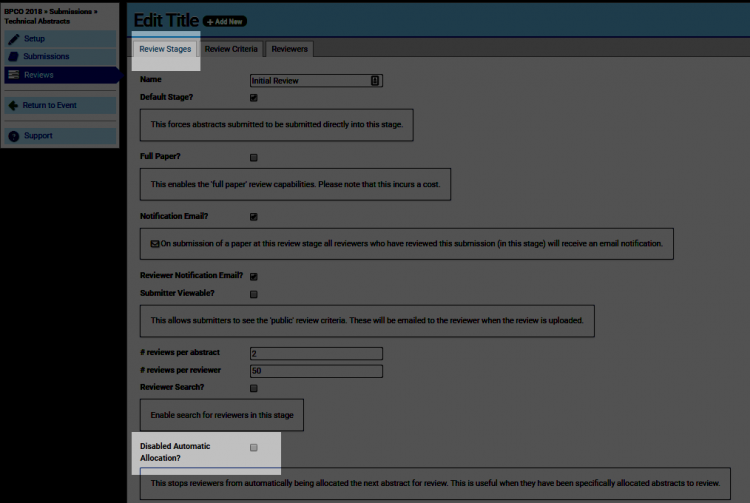
To assign a particular abstract to a specific reviewer: Navigate to >Abstract (Name) >Reviews>Review Stages and select 'Disable Automatic Allocation' checkbox.
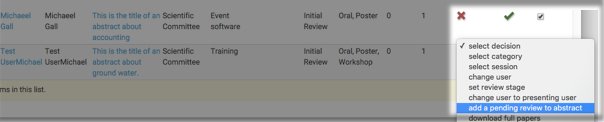
Open the abstracts report via the >Reports tab and mark the selected abstract/s using the checkboxes down the RHS of the abstracts list. Open the batch commands menu at the bottom of the list and select 'add a pending review to abstract'.
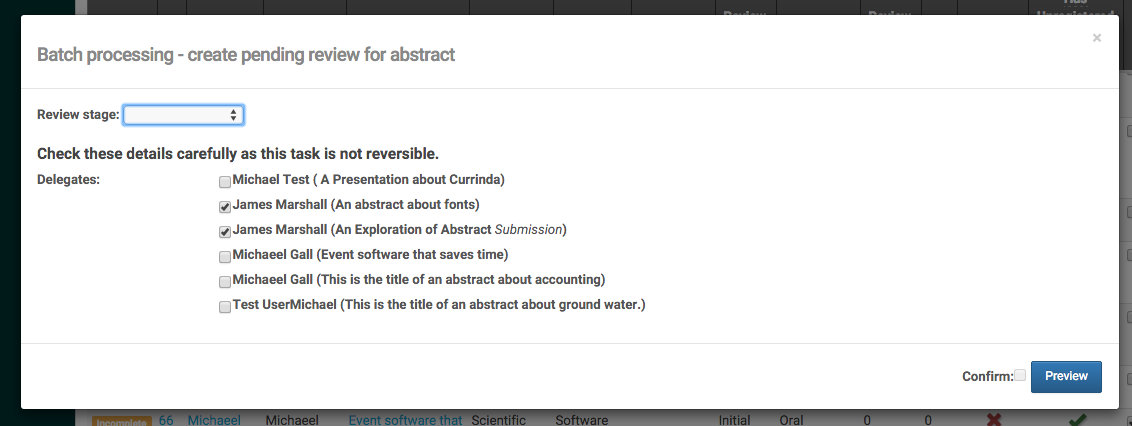
Hit go, select appropriate stage and then select which reviewer/s you wish to have review the abstracts. Then Preview, tick Confirm and Process.